Every time a page loads slowly, someone blames the secure web gateway. Sometimes they are right. More often, the real cost of SSL inspection is buried under ISP variance, DNS lookups, and a half-dozen browser behaviors nobody instruments.
This post gives you a direct answer on what SSL inspection actually costs and a reproducible method for measuring it. The goal is to replace hallway debate with a number you can defend in a change review.
The Short Answer
SSL inspection adds latency in three places: the TLS handshake with the inspection proxy, any network detour the proxy introduces, and the CPU time the proxy spends decrypting and re-encrypting. Cloud-hosted inspection pays all three. On-device inspection pays only the third, and pays it on hardware that is already idle most of the day.
If your architecture routes traffic through a vendor PoP, expect 30 to 150 ms added to first byte on every new connection. If inspection runs locally, expect single-digit milliseconds and no connection-level detour at all.
How SSL Inspection Adds Latency
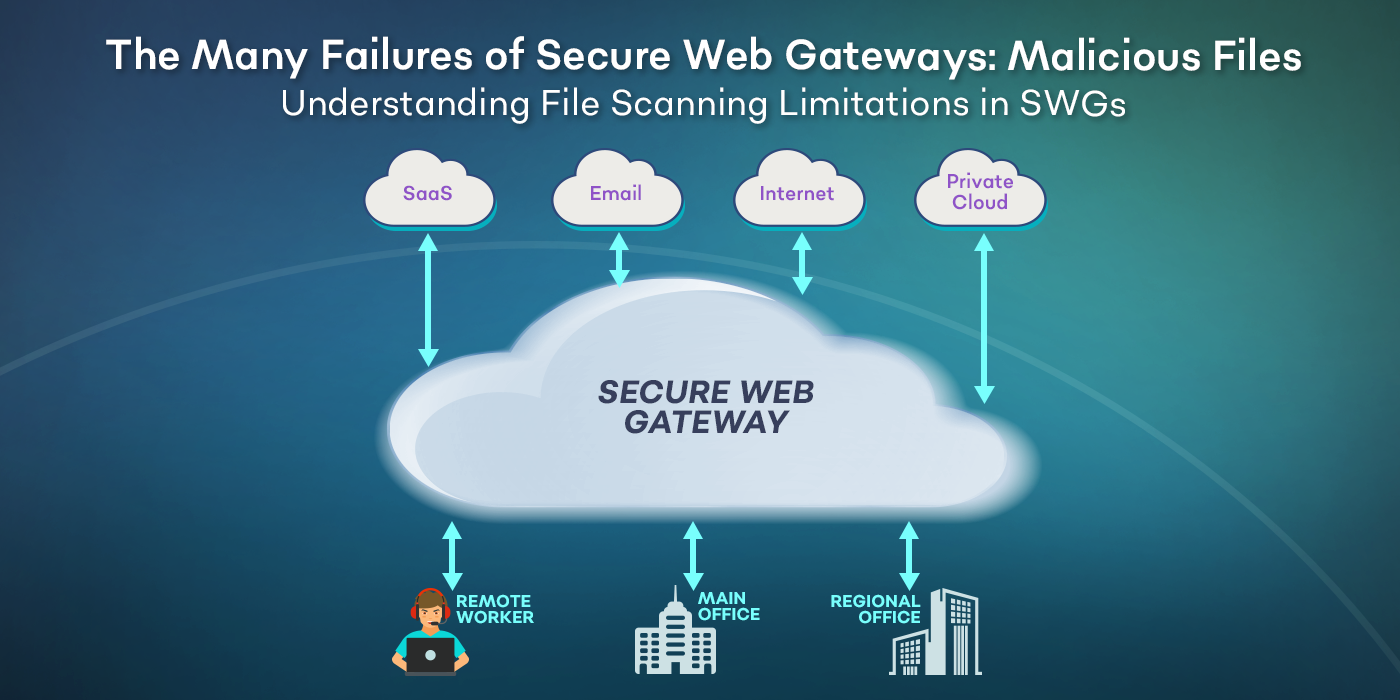
A cloud SWG intercepts the TLS ClientHello, terminates the session at the vendor data center, opens a second TLS session to the destination, and relays bytes between the two. Every new connection eats one extra round trip to the proxy and one extra handshake.
HTTP/2 multiplexing was supposed to make this cheap because one connection carries many streams. In practice, many cloud proxies downgrade to HTTP/1.1 or break connection reuse, so you pay the handshake tax again and again. The result is a page that looks fine on a fiber link in the office and sluggish on a hotel Wi-Fi across the country.
On-device inspection skips the detour entirely. The agent performs the MITM locally, preserves native HTTP/2 to the origin, and keeps connection reuse intact. A properly built secure web gateway running on the endpoint adds memory footprint, not round trips.
What to Measure
Four metrics together tell the real story. Any one of them in isolation is easy to game.
TLS Handshake Time
Measure the time from ClientHello to Finished on a cold connection. Repeat with inspection on and inspection off. The delta is the handshake cost of your inspection architecture. Tools: curl -w “%{time_appconnect}”, Wireshark, or Chrome DevTools.
Time to First Byte (TTFB)
TTFB captures the handshake, the proxy detour, and the origin response time. Run it against a static asset on a known-fast CDN so origin variance is minimal. Thirty samples per condition is enough to spot a real effect.
Sustained Throughput
Download a 100 MB file over a warm connection. Compare with and without inspection. This isolates decryption CPU cost from handshake cost. A well-written inspector loses under 5 percent of throughput. A poorly written one loses 30 percent and saturates one core.
Endpoint RAM and CPU
For on-device inspection, the question shifts from network overhead to endpoint overhead. Measure steady-state RAM and CPU during normal browsing. Anything over 200 MB or 5 percent sustained CPU is a problem users will notice on battery.
Sample Benchmark Table
Numbers below are representative of what a careful pilot surfaces. Your values will vary with link quality and origin locality, but the shape is consistent.
| Metric | No Inspection | Cloud SWG | On-Device SWG |
|---|---|---|---|
| TLS handshake (cold) | 45 ms | 180 ms | 48 ms |
| TTFB (warm) | 80 ms | 210 ms | 85 ms |
| Throughput (100 MB) | 920 Mbps | 640 Mbps | 895 Mbps |
| Endpoint RAM | 0 MB | 0 MB | 80 MB |
| HTTP/2 preserved | Yes | Often no | Yes |
The cloud column is where the hidden cost lives. The endpoint column trades network overhead for a small and bounded memory footprint.
If your inspection architecture downgrades HTTP/2, you are not measuring inspection cost. You are measuring protocol regression.
Benchmarking Methodology You Can Run Today
Build a repeatable test so the result survives a vendor rebuttal.
- Pick three target domains with different geographic origins. A CDN-hosted asset, a SaaS app your team uses, and a large file download.
- Run each measurement with inspection fully off, with the current vendor inspection on, and with any alternate candidate inspection on.
- Use the same laptop, the same network, and the same time of day. Thirty iterations per condition.
- Record raw values, not vendor dashboards. Dashboards smooth out the spikes that users actually feel.
- Report median and 95th percentile. The 95th percentile is what generates tickets.
A clean benchmark like this also tells you whether your swg vendor is honest about the tradeoffs they ship.
What the Numbers Usually Show
Three patterns repeat across pilots. Cloud inspection costs more on cold connections than warm ones, so short browsing sessions suffer more than long streaming ones. HTTP/2 downgrade multiplies handshake cost across every first-party subdomain on a page. On-device inspection costs a fixed and small amount of CPU, independent of network topology.
Teams that benchmark end up either accepting the cloud detour or moving enforcement to the endpoint. Teams that skip the benchmark keep paying for both a slow experience and a support backlog they cannot explain.
FAQ
What is meant by SSL inspection?
SSL inspection is the process of decrypting TLS traffic, examining the content for policy violations or malware, and re-encrypting it before it reaches its destination. It requires a trusted root certificate on the endpoint. Modern implementations run on the device itself or in a cloud proxy.
Do I need SSL inspection?
If you care about data loss prevention, malware detection, or acceptable-use enforcement on encrypted traffic, yes. Over 95 percent of web traffic is now TLS, so an SWG without inspection sees almost nothing. The question is not whether to inspect, but where to inspect.
How much does SSL inspection cost in performance?
On a cloud architecture, 30 to 150 ms on cold connections and 5 to 30 percent throughput loss is typical. On an endpoint-first architecture like dope.security, handshake overhead is negligible and throughput loss stays under 5 percent, traded for roughly 80 MB of RAM on the device.
Can I measure inspection overhead without disabling the agent?
Yes. Route a single test domain around inspection via a policy exception, run the benchmark against that domain with the agent still active, then compare to an inspected domain. This isolates inspection cost without changing the user’s environment.